

Ad. THINKCAR supplied the ThinkScan 689BT used in this job free of charge. This article contains affiliate links and a discount code, and I earn commission on qualifying sales. All opinions are my own.
Diagnostics • Mitsubishi • Tool ReviewMitsubishi L200 No-Start & Rough Idle — Diagnosed With the THINKCAR ThinkScan 689BT
A truck that wouldn’t start, a wall of fault codes and an engine fit that left a lot to be desired. Here’s how I tracked it down, and how the 689BT held up.
I’ve now used the THINKCAR ThinkScan 689BT on a lot of cars, and honestly, it’s very, very good. This L200 was its toughest test so far.
Step 01No Start & an Alarm That Wouldn’t Stop
A repeat customer asked me to look at their L200, which had recently had an engine fitted by another garage. The key I was given opened the door and turned in the barrel, but the alarm wouldn’t stop.
The correct key was supposed to arrive that evening. When it didn’t, because of a billing dispute between the garage and the customer, we went another way.
Local locksmith Protect a Lock cut and coded a new key, which worked and stopped the alarm. The truck still wouldn’t start, though.
With the key passing immobiliser checks, the problem had to be on the engine side.
Step 02First Scan: A Wall of Fault Codes
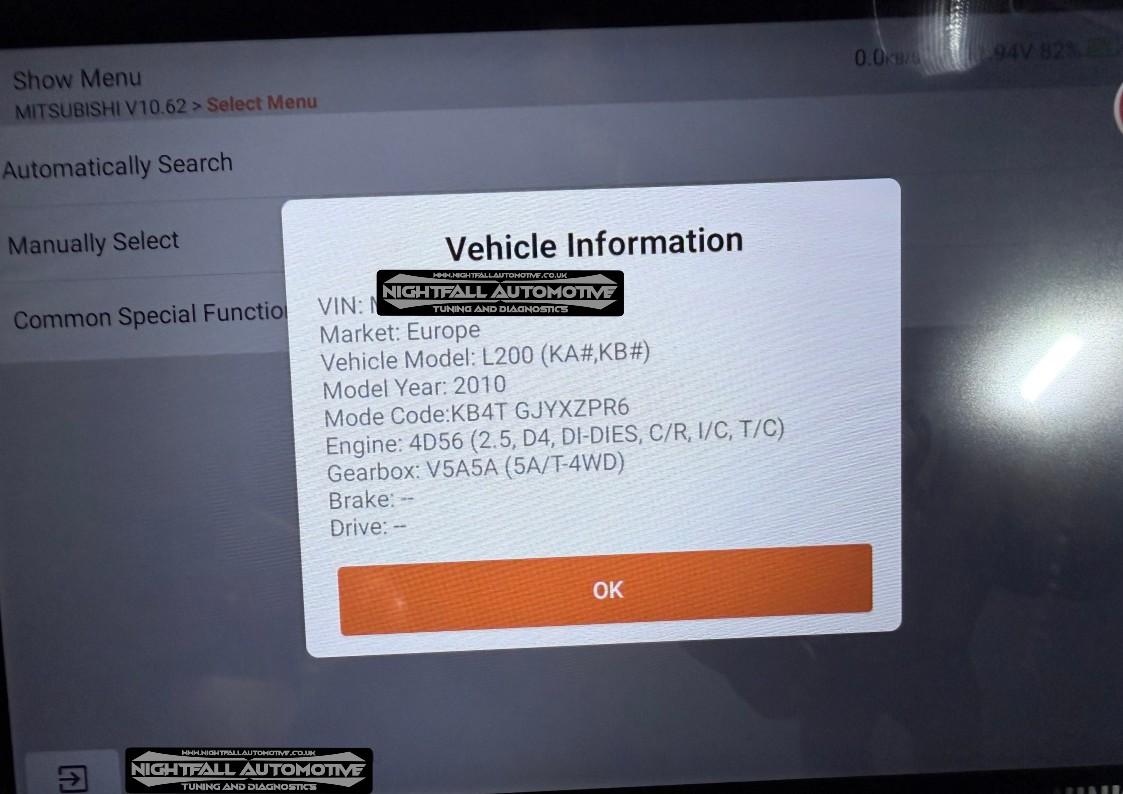
A full-system scan on the 689BT showed a large number of stored codes across the vehicle. I cleared them, cleaned and checked connections, and after a lot of work it started.
The ECU Had Been Modified
When I read the ECU file, it showed signs of earlier modification. That could be someone covering up previous work (I see this more than you’d think) or an older tune. Either way, I put it back to stock so I had a known baseline.
Step 03Finding the Throttle Fault
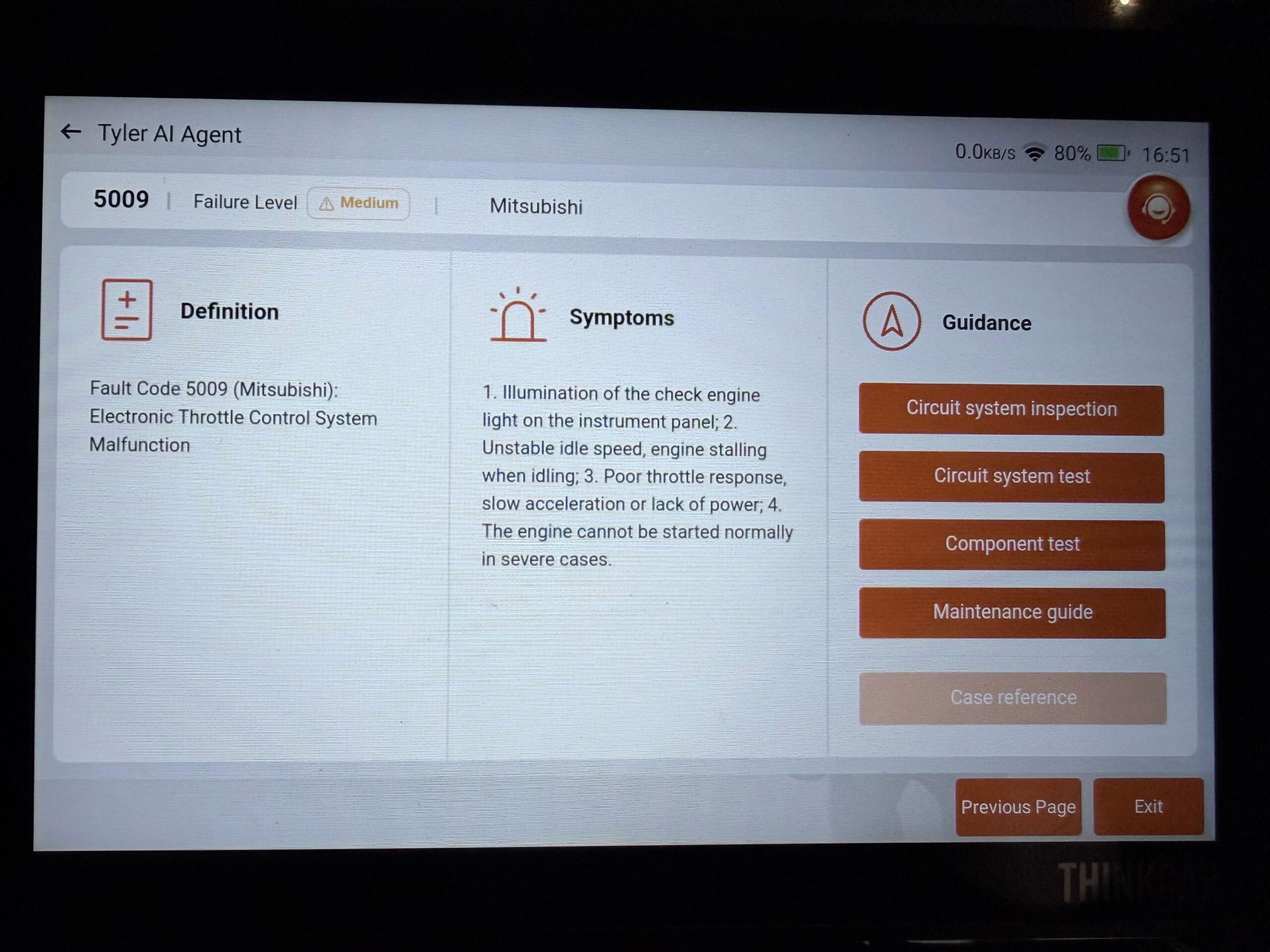
After a fresh scan and clear, one code kept coming back:
Not in the original list, and it fitted the rough idle.
Asking Tyler, THINKCAR’s AI Agent
Mitsubishi codes don’t always tell you much on their own. Normally I’d be reaching for my phone or laptop to look one up. This time I tried Tyler, THINKCAR’s built-in AI agent, and asked it about the code in plain English.
It came back with the full detail on the fault, including what it meant for this truck and what to check, without me ever leaving the tool.
Luckily, no new parts were needed. A careful clean of the throttle body pins and contacts sorted it. On the retest, the code stayed clear and the throttle responded properly.
Step 04Chasing the Rough Idle: Injectors
Even with the throttle fault fixed, the rough idle was still there, so I moved on to the injectors. Using the 689BT’s bidirectional controls, I actuated each injector from the tool, and all four responded. In live data, though, the idle correction values were slowly creeping up.
To confirm, I did a pull test at the injector connectors. With injector 1 unplugged at a rough idle, the correction values reset and the idle smoothed out, until the engine was revved again.
That’s clear evidence instead of guesswork or swapping parts.
Step 05Smoke Test
To be thorough, I also ran a smoke test. It found a small leak from the crankcase, which I’d put down to the earlier engine fit.
If it leaks under the low pressure of a smoke test, it will only get worse with the engine running.
Where the Job Stands
The throttle fault is fixed and confirmed, and a full-system scan on the 689BT now comes back with no fault codes at all.
No fault codes
The rough idle is still there, though, which fits a mechanical fault that a scan alone won’t flag. The injectors are going to a local specialist for a bench test, and the crankcase leak will be repaired. Then I’ll recheck the correction values and idle quality on the 689BT and post an update with the results.
THINKSCAN 689BT: The Features That Mattered
- Full-system scans and live data on supported vehicle systems. These gave me the first picture of the fault codes and, later, the injector correction values that pointed to injector 1.
- Bidirectional active tests and service functions on compatible vehicles. You command components directly instead of waiting for the fault to show up.
- Tyler, THINKCAR’s AI agent. Ask about a code in plain English and get the full explanation on the tool, with no need to look up manufacturer-specific codes elsewhere.
- Bluetooth wireless diagnostics. You’re not tied to the OBD port, which is useful when you’re working under the bonnet with the engine running.
- Free lifetime diagnostic software updates, with no yearly subscription to keep it working.
Verdict
Across every car I’ve used it on, the 689BT has done exactly what it claims. On the L200 it took me from a truck that wouldn’t start to a confirmed throttle fault and a clear lead on a bad injector, and Tyler saved me time on a code I’d otherwise have had to look up.
For a mobile tech, or a keen DIYer who wants proper diagnostics without dealer-tool prices, it’s very hard to fault.
Real diagnostics. Real fault finding. No guesswork.